


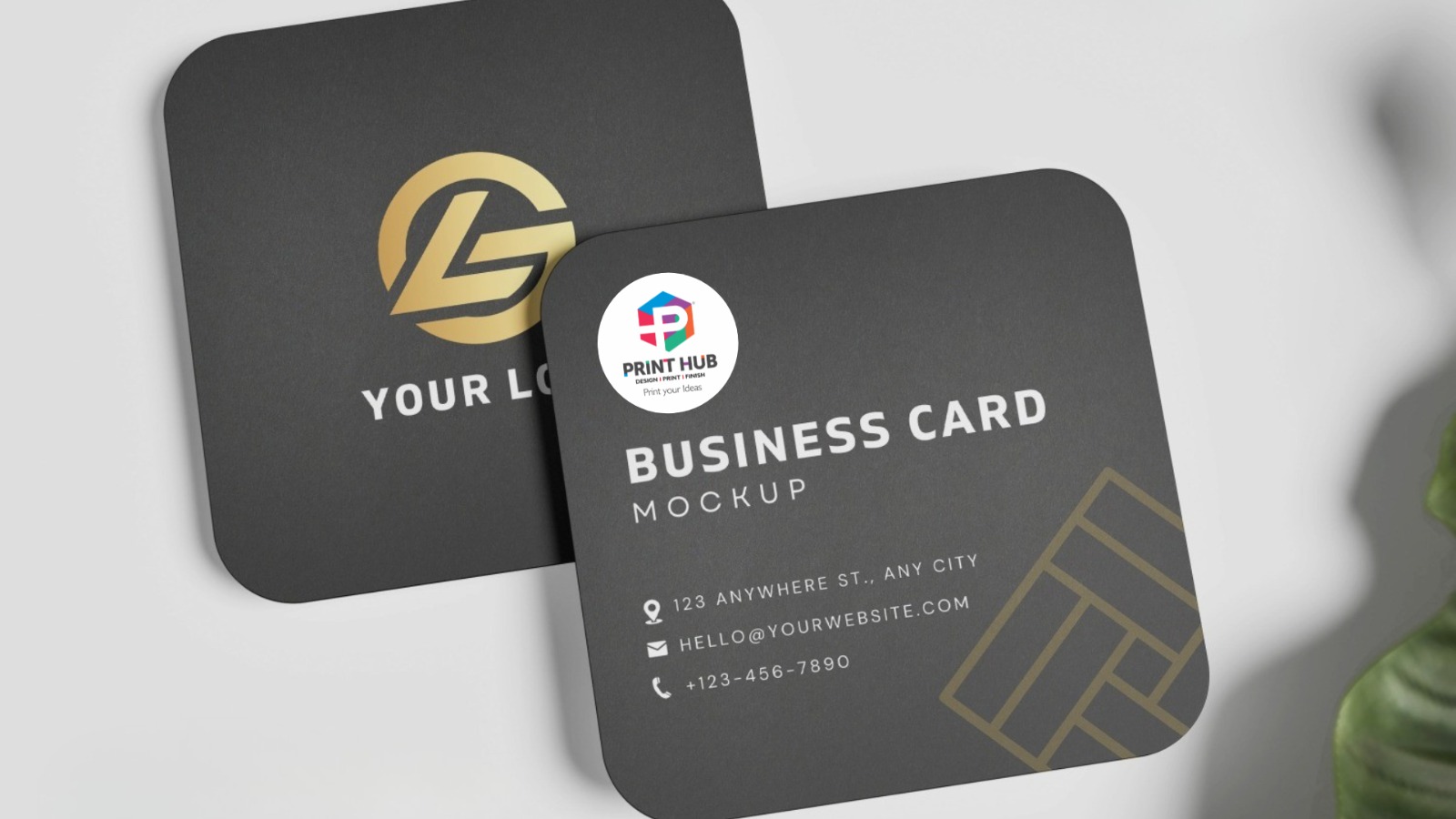
Visiting cards are more than just small pieces of paper — they are powerful branding tools. Even in today’s digital era, a professionally printed visiting card creates trust, credibility, and a strong first impression.
If you are planning to design your card online and looking for reliable visiting card printing in Coimbatore, Print Hub offers premium printing solutions with high-quality finishes and customization options.
14 Proven Tips to Design a Professional Visiting Card
A well-designed visiting card creates a powerful first impression and reflects your brand identity. Follow these detailed tips to design a professional visiting card that stands out.
1. Define Your Brand Identity
Before starting your design, clearly understand your brand identity. Your visiting card should reflect your company’s colours, logo, typography, and overall tone. For example, a corporate business may prefer clean and minimal designs, while a creative professional can use bold colours and unique layouts. Consistency in branding helps build trust and recognition.
2. Choose the Standard Size
The standard visiting card size is 3.5 x 2 inches, which easily fits into wallets and cardholders. Choosing the correct size ensures practicality and convenience. While custom sizes can make your card unique, always ensure it remains easy to store and handle.
3. Select the Right Design Tool
You can design your visiting card using professional tools such as:
- Adobe Illustrator
- Photoshop
- Canva
- Online design templates
Make sure your design resolution is 300 DPI (dots per inch) for sharp and clear printing. Low-resolution files may appear blurry when printed.
4. Add Only Essential Information
Your visiting card should include only the most important details:
- Your Name
- Job Title
- Company Name
- Phone Number
- Email Address
- Website
Avoid adding too much information. Overcrowding can make the card look cluttered and difficult to read.
5. Use a High-Quality Logo
Your logo represents your brand identity. Always use a high-resolution logo file (vector format preferred). It should be properly aligned and positioned for maximum visibility. A blurred or stretched logo can reduce professionalism.
6. Choose Readable Fonts
Select clean and professional fonts that are easy to read. Avoid decorative or overly stylish fonts that may reduce clarity. Ideally, use 1–2 font styles to maintain consistency and balance in the design.
7. Maintain Proper White Space
White space (empty space) is essential for a clean and elegant look. It prevents the card from feeling crowded and improves readability. A well-balanced layout with proper spacing creates a premium appearance.
8. Use Brand Colours Smartly
Colours play a major role in branding. Use your brand colours thoughtfully and ensure there is enough contrast between the background and text. For example, dark text on a light background improves readability. Colour psychology can also influence how people perceive your brand.
9. Add Finishing Options
Finishing options can enhance the overall appearance of your card. Popular finishes include:
- Matte Finish – Smooth and elegant look
- Gloss Finish – Shiny and vibrant appearance
- Spot UV – Highlights specific areas like logo
- Velvet Lamination – Soft-touch premium feel
- Metallic Finish – Luxurious and eye-catching
Choose finishes that align with your brand image.
10. Add a QR Code
A QR code adds digital connectivity to your visiting card. It can link to:
- Your Website
- Portfolio
- Social Media Profiles
- Google Review Page
- Digital Visiting Card
This makes it easier for clients to access your information instantly.
11. Ensure Text Legibility
Text size should not be too small. Contact details must be clearly readable without strain. Avoid placing text too close to the edges, and ensure proper alignment for a professional look.
12. Proofread Carefully
Before printing, carefully check all details, including spelling, phone numbers, and email addresses. Even a small mistake can create a negative impression and result in reprinting costs.
13. Print a Sample First
Always print a sample copy before bulk printing. This allows you to check colour accuracy, alignment, spacing, and overall appearance. Make necessary corrections if required.
14. Choose Quality Paper
Paper thickness and texture significantly affect the feel of your visiting card. Thick and premium paper stock creates a strong first impression and reflects quality. Matte, textured, or specialty papers can enhance the professional appeal.